STEP-BY-STEP TUTORIAL:
Import Franchisee Customer Data from 1PlaceHQ to Formitize
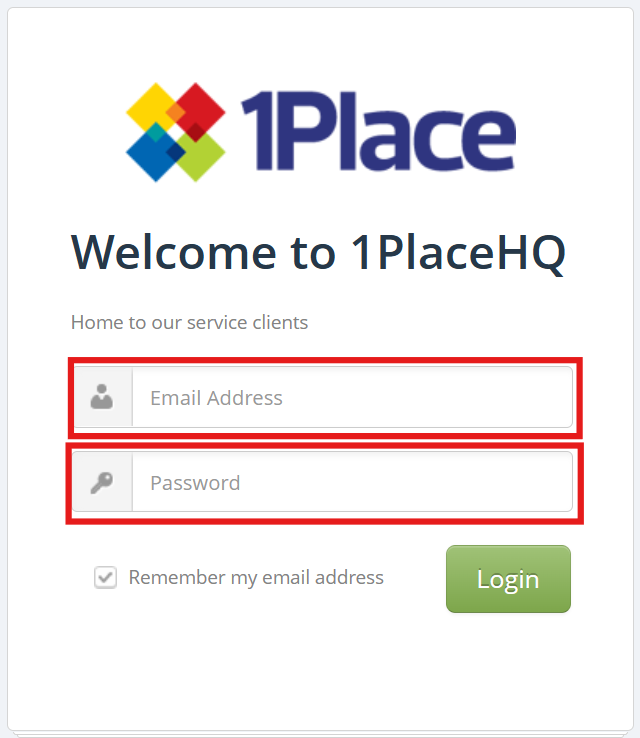


✓ You should see: The 1PlaceHQ dashboard with customer overview
⚠️ If you don't see this:
Check your username and password are correct
Ensure you have Regional Master access level
Contact your system administrator if login fails
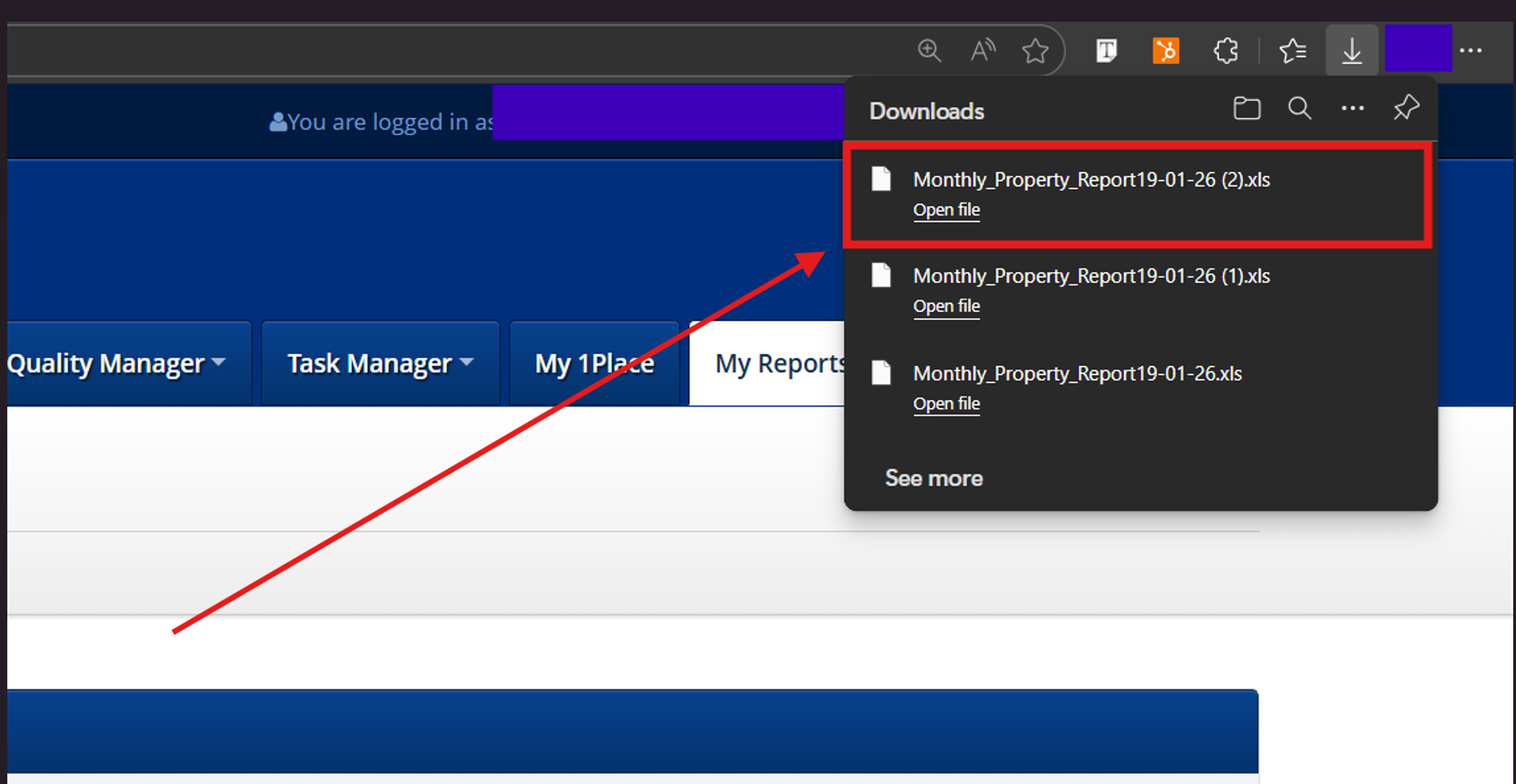
Step 1.2: Select the “My Reports” Franchisee/Operator
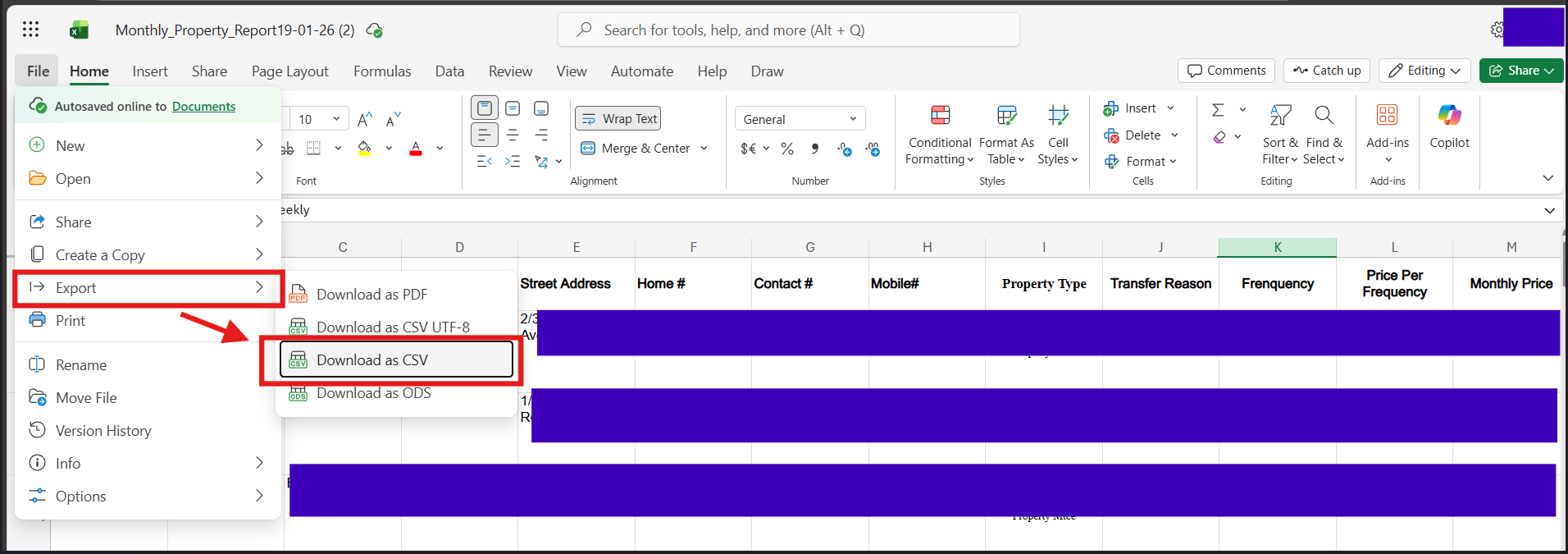
Step 1.3: Export Customer List
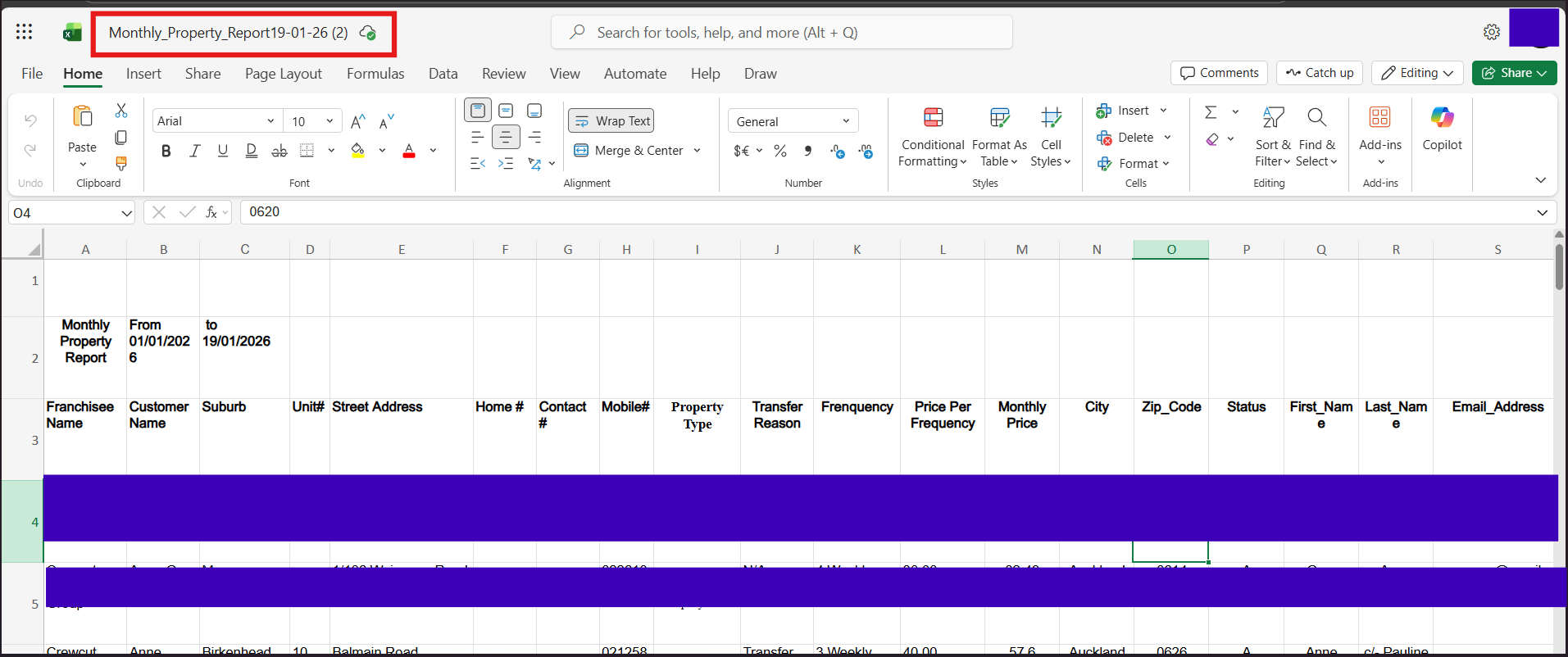
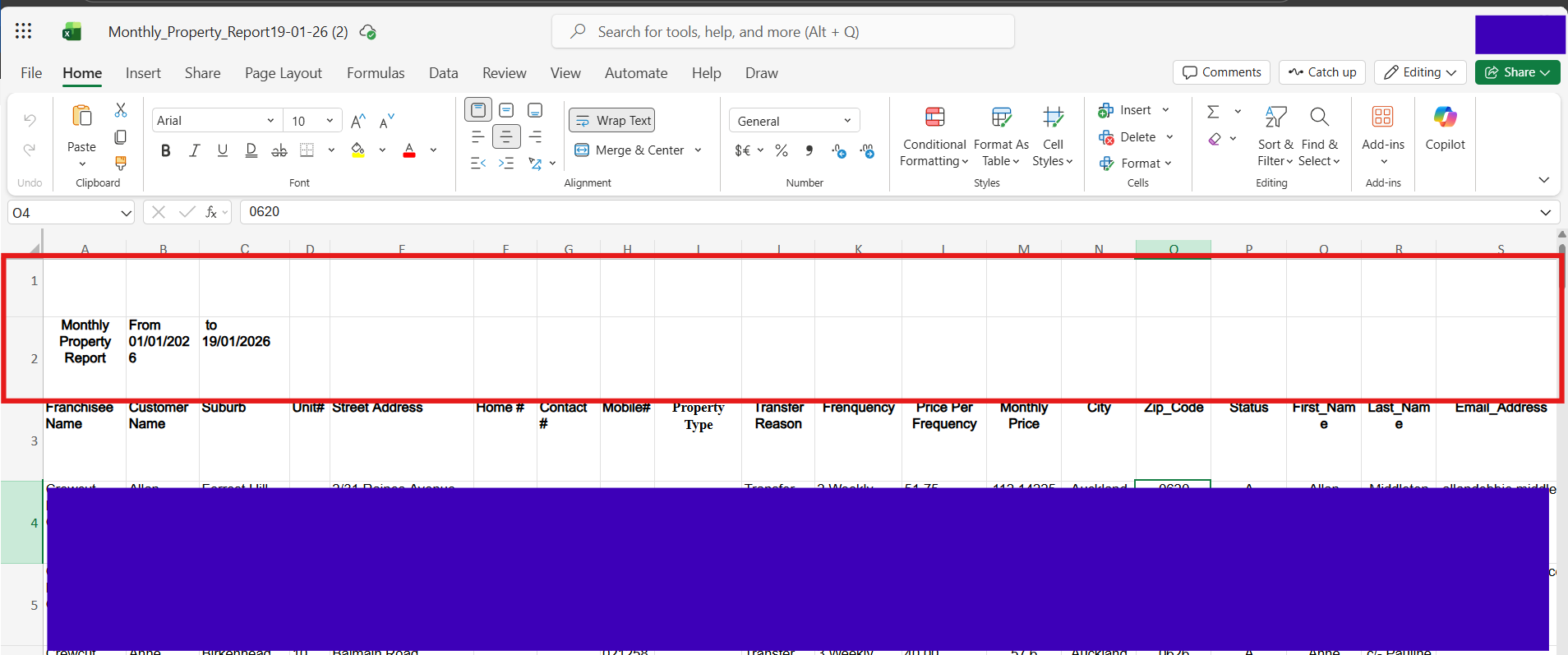
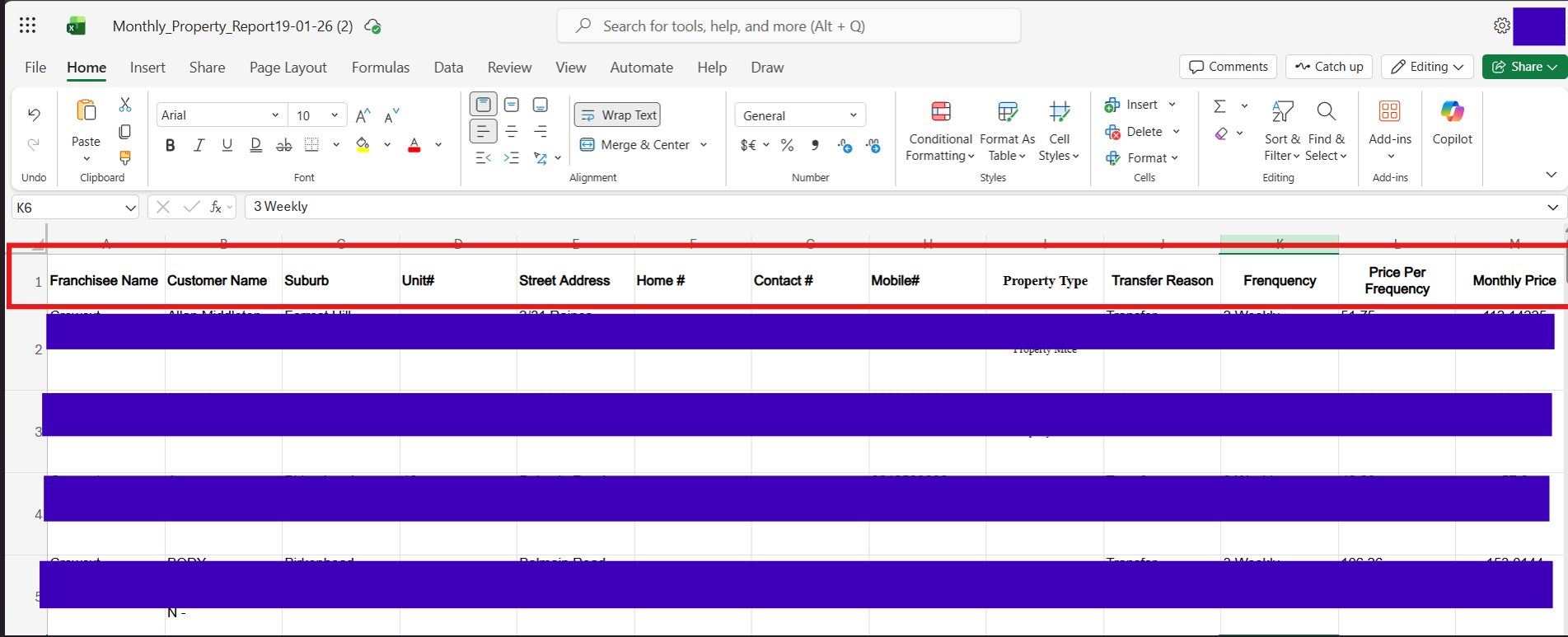
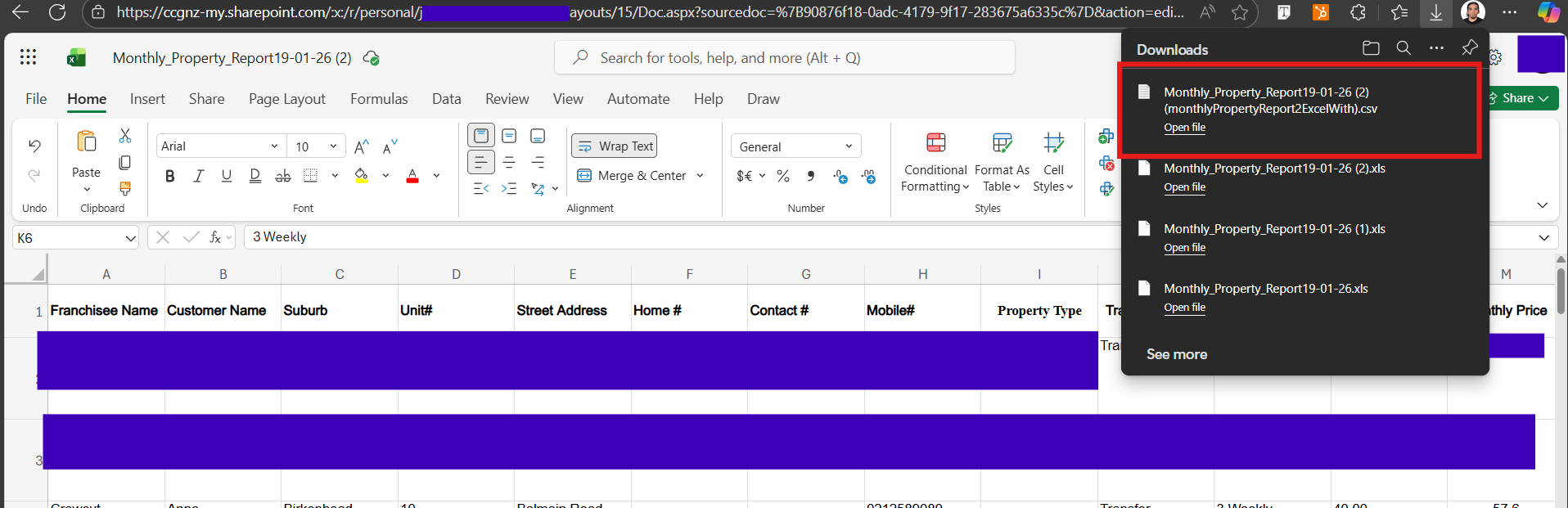
Step 1.4: Download and Save CSV File